
Product
Receive Alert Notifications via Pagerduty
Setup Pagerduty integration and receive alert notifications from Last9.
Getting started
Last9 can send alert notifications and resolutions to Pagerduty. This document lists the step by step instructions on how to setup Pagerduty integration with Last9 and start receiving alert notifications.
The Pagerduty Events V2 API is a highly reliable, highly available asynchronous API that ingests machine events from monitoring tools and other systems like Last9. Events sent to this API are ultimately routed to a PagerDuty service and processed.
Setting up an Events API V2 integration in Pagerduty
Create an integration on any PagerDuty service

Select Events API V2 as the Integration Type.

Copy the integration key and keep it handy as we will use it while creating a notification channel in Last9.

Setting up a notification channel in Last9
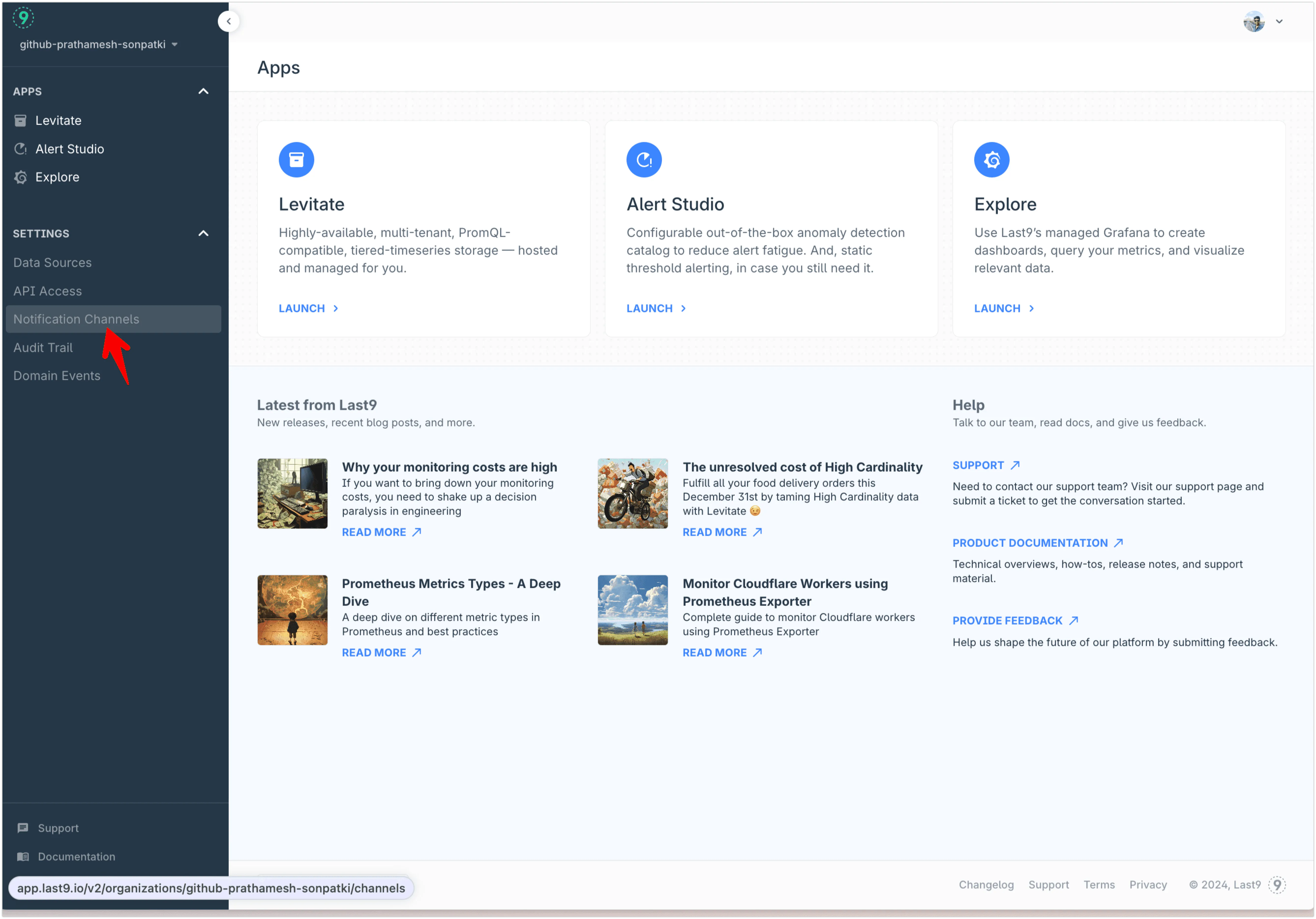
- In Notification Channels, add a new PagerDuty channel
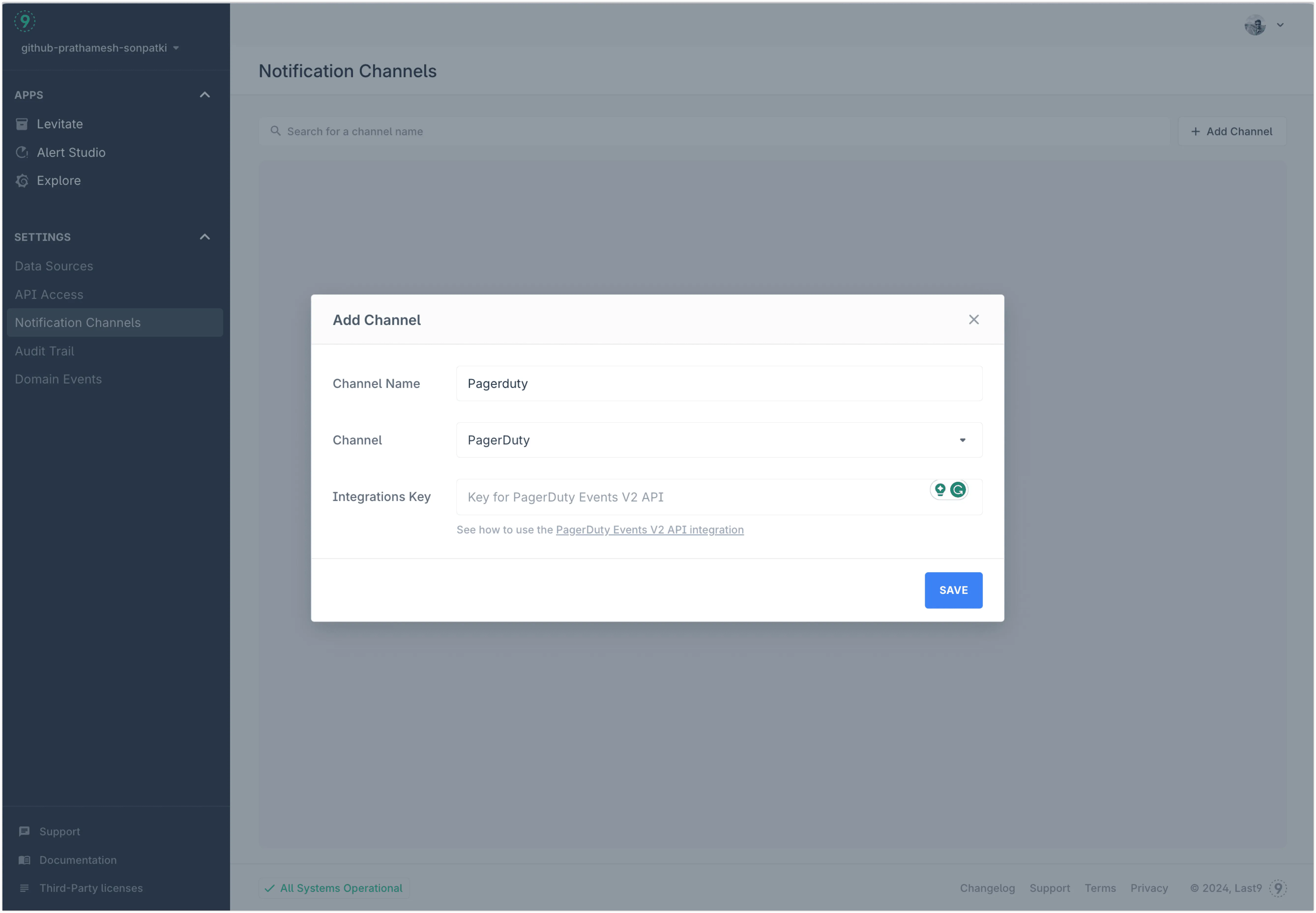
- Add the API key copied from Pagerduty integration in the
Integration Keyfield
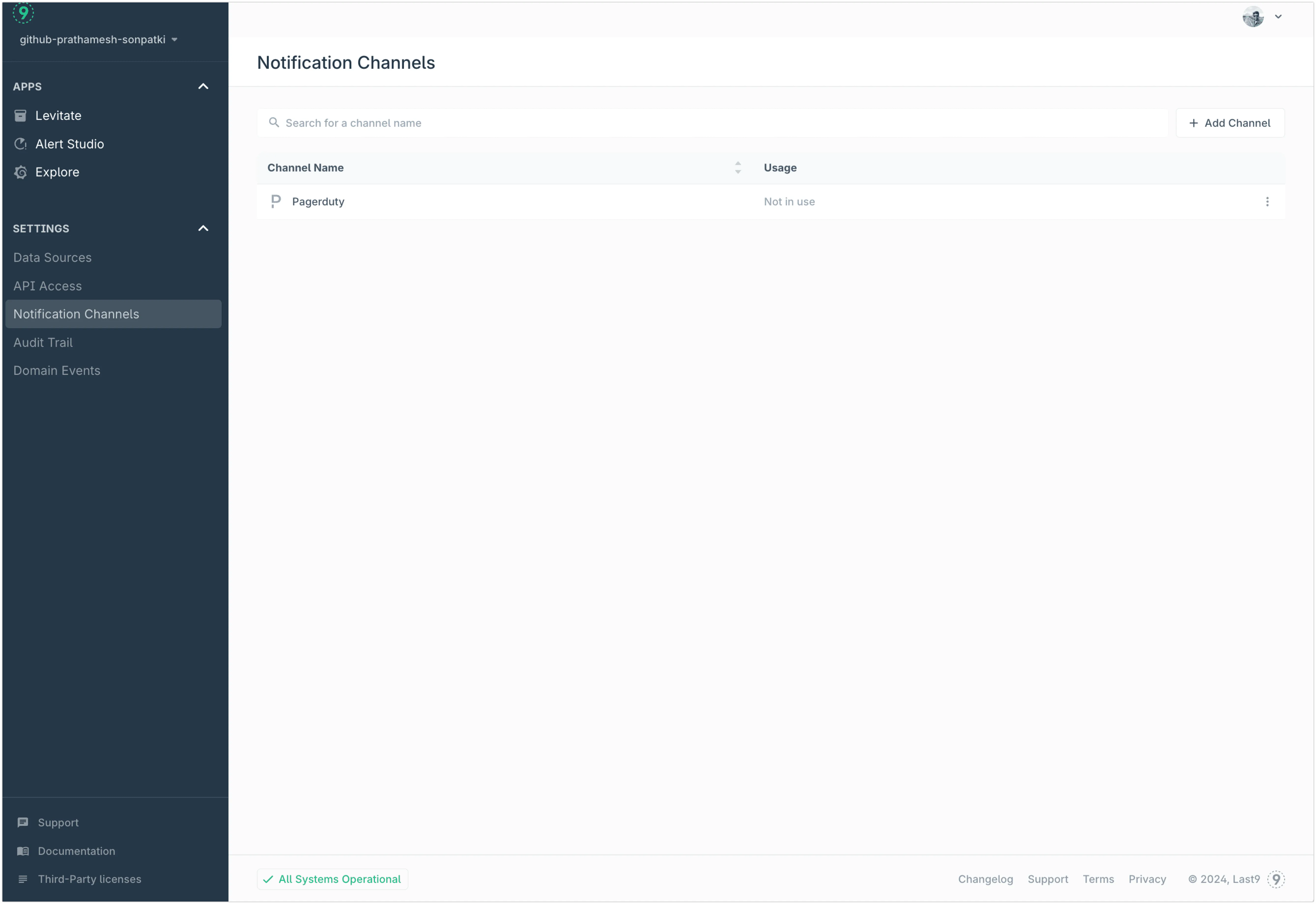
- By default it is not assigned to any alert group. You can assign it to the alert group either via IaC flow or manually once alert rules are added to an alert group.
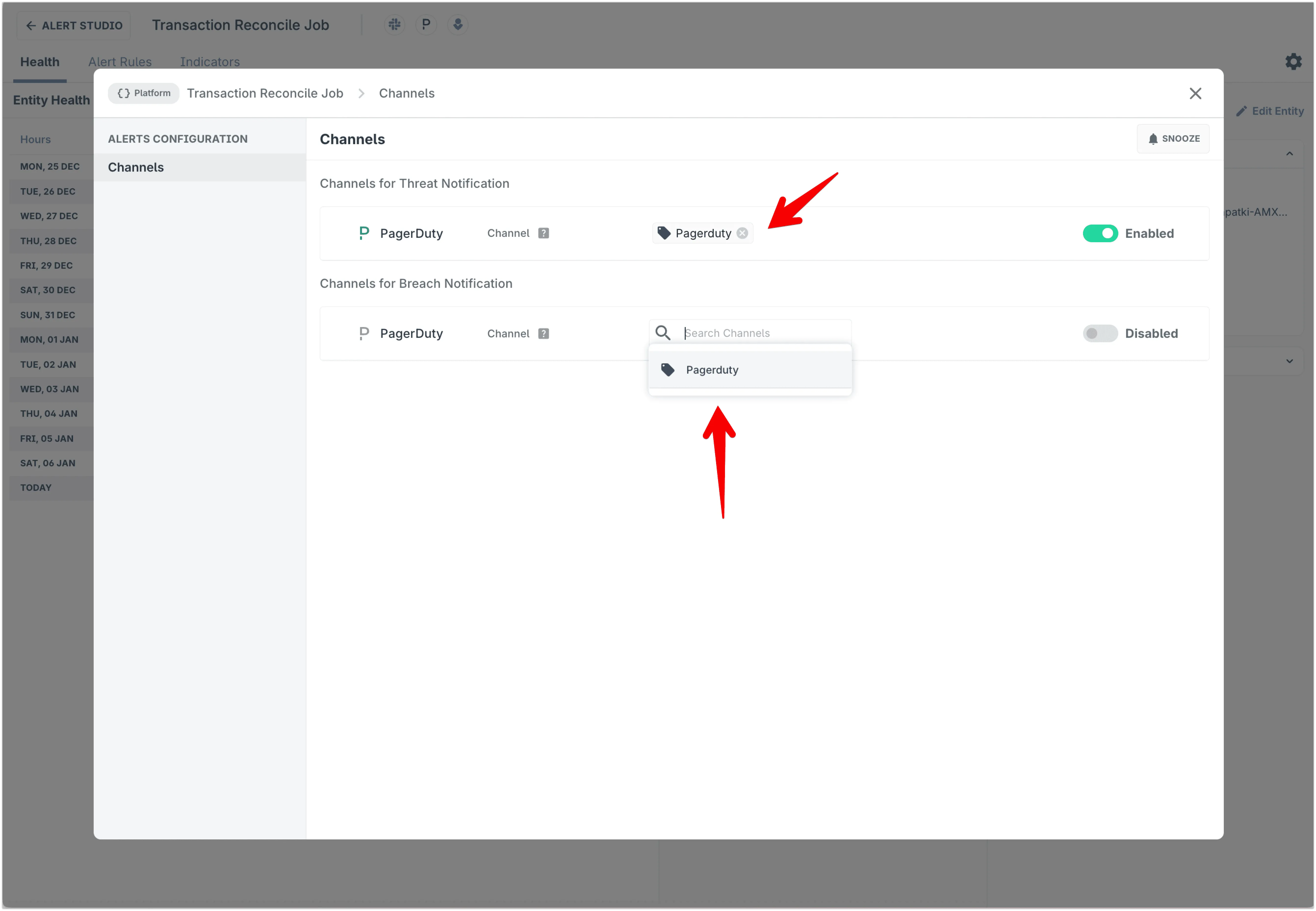
Assigning a notification channel to an alert group
First navigate to the alert group and click on Pagerduty icon.

Select from the dropdown which Notification channel you want to select from the dropdown.
Notification Payload
Use these JSON fields for custom incident details, automation, alert enrichment, or integrating with other tools.
| PagerDuty field | Type | Description |
|---|---|---|
| payload | object | |
| payload.summary | string | Title for the incident |
| payload.timestamp | timestamp | The ending time of this alert, in ISO 8601 format |
| payload.severity | string | critical / warning for alerts marked as breach/threat in alert rule |
| payload.source | string | Dedup key for the incident |
| payload.component | string | Empty |
| payload.group | string | Dedup key for the incident |
| payload.class | string | Alert Rule Type |
| payload.custom_details | object | Described below |
| routing_key | string | PagerDuty integration key |
| event_action | string | ’trigger’ for active notifications, ‘resolve’ for resolved notifications |
| dedup_key | string | Dedup key for the incident |
| client | string | ”Last9 Dashboard” |
| client_url | string | Link to health dashboard for the alert in Last9 |
| links | array of objects | Empty array |
| images | array of objects | Empty array |
Custom Details
alert_condition- Condition set on alert. Static alerts, it is of the format.expr > 10based on the threshold configured. For pattern-based alerts, it is of the formatalgo_type(tunable, expr). For example, for a high spike alert set with tunable 3, this would behigh_spike(3, expr)algo_type- Type of alert (static_threshold,increasing_changepointetc)client_url- Link to the health dashboard for this alert on Last9description- Description of the alert. If a description is provided while configuring the rule, it appears here. Otherwise, a default description based on the algorithm, indicator, and entity is shownstart- Starting time of this alert, in ISO 8601 formatend- Ending time of this alert, in ISO 8601 formatexpression- Name of the indicatorentity_name- Entity nameentity_type- Entity typeentity_team- Entity team. IsNoneif not assignedentity_tier- Entity tier. IsNoneif not assignedentity_workspace- Entity workspace. IsNoneif not assignedentity_namespace- Entity namespace. IsNoneif not assignedseverity- Severity of the alert (breach/threat)notification_call- Whether this alert is sent for the first time or repeated (first/repeat)runbook- Link to the runbook for this alert (has to be configured while setting up alert). This key is omitted if the runbook isn’t configured- If the entity under alert has
tagsassociated with it, they are included in custom details astag_<tag_name>=true time_in_alert- Duration for which this alert was observed. E.g., 8 in 10 minutes.
Troubleshooting
Please get in touch with us on Discord or Email if you have any questions.