


Understanding Sumo Logic pricing can be challenging, because you buy credits rather than a price per GB. This guide breaks down how the credit model works, what draws credits down, and how to keep the bill in check. Details are from Sumo Logic’s pricing page and docs as of October 2026.
The TL;DR on Sumo Logic Pricing
Sumo Logic bills in credits. The pricing page lists two plans, Essentials and Enterprise Suite, plus a DojoAI add-on for its AI features. Credits come either as tiered credits or as Flex.
On Flex, log ingest has no charge. Credits pay for storage and for the data each search scans, including the searches that Sumo Logic’s Mobot assistant and MCP clients run. Sumo Logic does not publish a rate card on its pricing page, so the price per credit comes from a quote.
| Option | What it is |
|---|---|
| Free account | 1.25 credits a day, up to 3 users, 7-day retention |
| Free trial | 30 days |
| Essentials | Paid plan, billed in credits |
| Enterprise Suite | Paid plan, billed in credits |
| DojoAI add-on | Credits for more AI capacity than the included Mobot allowance |
| Flex | Credit model with no charge for log ingest; credits pay for storage and search scans |
If you’re comparing costs across observability tools, you might also want to check out how Splunk pricing works here.
What’s Your Actual Cost Going to Be?
Your Sumo Logic cost comes down to how many credits you use, and what uses them. Three factors matter most.
1. Search Scans
On Flex, the main cost driver is the data your searches scan. Every search scans the partitions in its scope, and Sumo Logic’s Flex FAQ says that keywords or other metadata in a query do not reduce the amount of data scanned. A partition or a shorter time range does.
That makes search habits the thing to watch:
• Dashboards: a panel that refreshes a broad query every minute scans data on every refresh
• Scheduled searches and monitors: each run is a scan
• AI and agents: searches that Mobot or an MCP client runs are charged as scans too
During incidents, teams search more, wider, and over longer time ranges, so scan volume rises exactly when you need the data most.
2. Data Volume and Retention
On Flex, log ingest has no charge, but volume still shows up on the bill as storage. The more you keep, and the longer you keep it, the more credits storage uses. On tiered credits, check with Sumo Logic how each data type draws down credits, because there is no published rate card.
Before you commit, run an audit on your current logging volume across all systems. For planning, these are common log generators and typical volumes:
• Web servers: 100-500MB/day per instance
• Application servers: 200MB-1GB/day per instance
• Databases: 500MB-3GB/day per instance
• Kubernetes clusters: 5-20GB/day per cluster
• Network devices: 50-200MB/day per device
Remember that during incidents or high-traffic periods, these volumes can spike by 3-5x.
If you’re looking to manage observability costs more effectively, you might find these AWS CloudWatch cost-saving strategies useful.
How long do you need to keep your data searchable? The free account keeps 7 days. On paid plans, retention is part of what you buy, and longer retention means more storage. If you need to keep logs for compliance reasons (think PCI, HIPAA, SOC2), budget accordingly.
Custom retention policies can be set based on log sources. For example:
• Security logs: 1+ year (often required by compliance standards)
• Application performance metrics: 90 days
• Debug logs: 7-14 days • Access logs: 30-90 days
Some organizations implement tiered storage strategies, keeping hot data in Sumo Logic and archiving older data to S3 or cold storage.
3. Features and Add-ons You Need
The plan you choose sets the features you get, and some features need more than the base plan:
- AI: Mobot (formerly Copilot) is included, with 10 prompts per user per day. More capacity needs the DojoAI add-on. Dojo AI runs on models Sumo Logic hosts on Amazon Bedrock.
- Security: Cloud SIEM and Cloud SOAR need activation, with minimum requirements.
- Compliance: Sumo Logic offers a FedRAMP Moderate deployment, and a deployment on the AWS European Sovereign Cloud since June 2026.
Think about which features your team will use daily vs. what’s just nice to have, and ask for the add-ons in the quote rather than after you sign.
Hidden Costs You Should Know About
Nobody likes surprises on their bill. Here are some costs that might not be obvious at first:
Searches You Didn’t Plan For
Free ingest on Flex can make it feel safe to send everything. The cost moves to search instead. A new dashboard, a wider time range in a monitor, or an agent that searches logs on every alert all add scans. Track scan usage per dashboard and per scheduled search from the start, not after the first bill.
AI Usage Per User
Mobot’s included allowance is 10 prompts per user per day. Teams that lean on it during incidents can hit that limit, and more capacity, plus the SOC Analyst Agent, needs DojoAI credits. On Flex, the searches Mobot runs are charged as scans as well.
Metric Cardinality Limits
Sumo Logic meters metrics in data points per minute (DPM). It allows 50M unique time series a week on long-term retention and 100M on short-term. A label such as customer_id or pod can push a metric toward those limits, so check your series counts before you send high-cardinality metrics.
Security Add-ons
Cloud SIEM and Cloud SOAR need activation, with minimum requirements. If your security team plans to use them, include them in the evaluation and the quote.
If optimizing monitoring costs is a priority, check out how Replit reduced expenses and moved away from Thanos here.
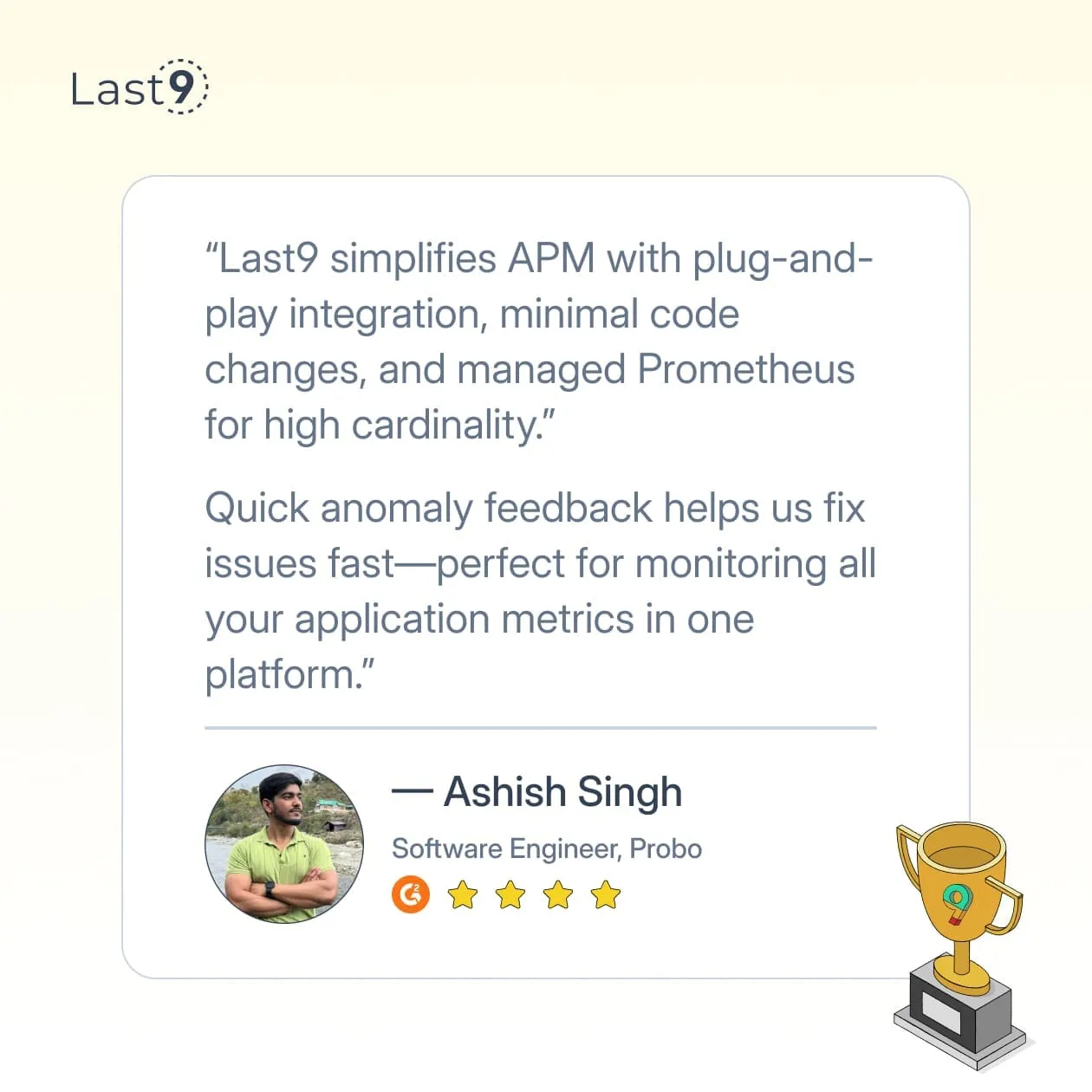
It took us about three weeks to win Replit over, and we currently run their entire backend infrastructure monitoring on Last9.
How Sumo Logic Pricing Compares to Alternatives
You’ve got options. Here’s how Sumo Logic stacks up. For a full rundown of each option and how to migrate, see our guide to Sumo Logic alternatives.
Observability Platform Pricing Comparison
| Platform | Price Model | Best For | Limitations |
|---|---|---|---|
| Last9 | One licence, infrastructure on your own cloud bill | High-cardinality observability in your own cloud account | Not a SIEM |
| Sumo Logic | Credits (tiered or Flex) | Teams that want Cloud SIEM and Cloud SOAR beside their logs | Searches draw credits on Flex; SaaS only |
| Datadog | Host + data | Multi-product observability | Complex pricing model |
| Elastic | Compute units | Self-hosted flexibility | Higher operational overhead |
| Splunk | Data volume | Enterprise-scale operations | Steep learning curve |
| Grafana Loki | Storage-based | Budget-conscious teams | Requires more DIY setup |
| New Relic | Data ingest + user | Full-stack observability | Less specialized for pure logging |
The true cost comparison depends on your specific use case. With Sumo Logic on Flex, the question is how much you store and how often, and how widely, you search it.
Right-Sizing Your Sumo Logic Implementation
The smartest way to manage costs? Only log what matters, and only scan what you need. Some practical steps:
Scope Every Search
On Flex, a search pays for the data it scans, and keywords don’t reduce the scan. Route data into partitions by team, service, or log type, and point dashboards and monitors at a single partition. Use the shortest time range that answers the question.
Log Level Management
Switch production logging from DEBUG to INFO or WARN. This simple change can cut volume by 40-60% with minimal impact on troubleshooting ability.
// Before - excessive logginglogger.debug("Processing request: " + requestData);logger.debug("DB query executed in " + queryTime + "ms");logger.debug("Response generated: " + responseData);
// After - selective logging with conditional debugif (logger.isDebugEnabled()) {  logger.debug("Processing request: " + requestData);}
// Only log slow queriesif (queryTime > 500) {  logger.info("Slow query detected: " + queryTime + "ms for " + queryName);}
// Log response sizes but not full payloadslogger.info("Response generated: size=" + responseData.length() + " bytes");
For most production systems, configure different log levels by environment: • Development: DEBUG or TRACE • Testing: DEBUG • Staging: INFO • Production: WARN for most components, INFO for critical paths
Sampling High-Volume Events
Do you need to log every single 200 OK response? Probably not. Implement sampling for high-volume, low-value logs:
# Sample 1 out of every 10 successful responsesif response.status_code == 200 and random.randint(1, 10) == 1:    log_event(response)else:    # Always log errors    if response.status_code >= 400:        log_event(response)
    # Always log slow responses    if response_time > threshold:        log_event(response, tags=["slow_response"])
Effective sampling strategies include:
• Random sampling: Log every Nth event (simple but less precise)
• Consistent sampling: Hash request IDs to ensure related events are all logged or all skipped
• Adaptive sampling: Automatically adjust sampling rates based on error rates or system load
• Stratified sampling: Different sampling rates for different endpoints or transaction types
Field Extraction Optimization
Where you extract fields is a trade-off between search speed and ingest-time processing.
• Ingestion-time parsing: Faster queries, more processing at ingest
• Query-time parsing: Less processing at ingest, slower queries
Guidelines for field extraction decisions:
• Fields used in real-time alerting: Extract at ingestion
• Fields used only in occasional reports: Extract at query time
• High-cardinality fields (like user IDs): Evaluate carefully before ingestion-time extraction
Data Compression and Transformation
Implement pre-processing to reduce data volume before it reaches Sumo Logic:
• Log sanitization: Strip out unnecessary verbose data like request bodies or response payloads
• Log aggregation: Combine related log events into summary events
• Redundancy elimination: Remove duplicate fields or standardize formats across services
A properly implemented log preprocessing pipeline can reduce volume by 30-50% with minimal information loss.
When Sumo Logic Makes Sense (And When It Doesn’t)
Sumo Logic is worth it when:
• You need strong security analytics. Cloud SIEM and Cloud SOAR run in the same platform as the logs.
• You need FedRAMP Moderate, or the AWS European Sovereign Cloud. Sumo Logic offers deployments for both.
• You ingest a lot of logs and search them rarely. Free ingest on Flex suits that pattern.
• You’re already invested in their ecosystem. The integrated experience between logs, metrics, and security tools is valuable to your workflow.
• You need multi-cloud visibility. Your infrastructure spans multiple cloud providers, and you value the consistency of Sumo Logic’s integrations across platforms.
Consider alternatives when:
• You search heavily. Many dashboards, broad scheduled searches, and AI agents that search on every alert all draw scan credits on Flex.
• You need the platform in your own cloud account. Sumo Logic runs only as SaaS, in its own deployments, with no on-prem, hybrid, or customer-account option.
• You keep high-cardinality metrics. The weekly limits on unique time series can force you to drop labels.
• Your team has the bandwidth to manage open-source solutions. If you already have Kubernetes expertise and SRE resources, an ELK stack or Grafana Loki may be justified.
• You need specialized features for specific use cases. Some domain-specific monitoring needs are better served by targeted solutions rather than a general-purpose platform.
Making the Final Decision
You’re not just buying a tool – you’re choosing a monitoring strategy that your team will live with daily. Beyond the price tag, consider:
Integration Capabilities
How well does Sumo Logic connect with your existing tech stack? Key integration points include:
- CI/CD Pipelines – Jenkins, GitHub Actions, CircleCI
- Infrastructure – AWS, Azure, GCP, Kubernetes
- Application Frameworks – Spring Boot, .NET, Node.js
- Security Tools – CrowdStrike, Carbon Black, Okta
- Ticketing Systems – Jira, ServiceNow, PagerDuty
The smoother these integrations, the more value you’ll extract from the platform.
Team Skill Set and Learning Curve
Sumo Logic uses its own pipe-based Search Query Language for logs and traces, and a separate query language for metrics. Mobot can write log queries from plain English, but metrics and traces queries are still written by hand. The learning curve looks roughly like this:
- Basic Searches – 1-2 days to learn
- Advanced Aggregations & Analytics – 2-4 weeks to master
- Building Complex Dashboards – 3-6 weeks for proficiency
Budget time for training or consider bringing in a consultant to accelerate adoption.
Growth Projections
What’s your projected growth over the next 18-24 months? Consider:
- Log Volume Growth – More data to store as users and transactions grow
- Search Growth – More dashboards, monitors, and agents scanning that data
- Compliance Requirements – Potential changes in data retention policies
- Team Expansion – More users running searches and Mobot prompts
A platform that barely fits your needs today will become a constraint tomorrow.
Total Cost of Ownership Analysis
Create a comprehensive TCO analysis comparing Sumo Logic to alternatives:
- Direct Costs – Credits for storage and search scans, and add-ons such as DojoAI, Cloud SIEM, and Cloud SOAR
- Integration Costs – Time spent building and maintaining integrations
- Training Costs – Formal training expenses and productivity loss during learning
- Operational Costs – Time spent managing and maintaining the platform
- Opportunity Costs – Features or capabilities missed by choosing this solution over others
Many organizations find that supposedly “cheaper” options end up costing more when all factors are considered.
Next Steps: Trying Before Buying
Sumo Logic has a free account (1.25 credits a day, up to 3 users, 7-day retention) and a 30-day trial. That’s enough to test the core functionality. Here’s a quick implementation checklist:
1. Set up a proper evaluation environment
- Start the 30-day trial – The free account’s daily credits are too small for a realistic test
- Unlock enterprise features – Ensure access to advanced capabilities during the trial
- Use a separate account – Avoid conflicts with existing Sumo Logic deployments
2. Connect representative data sources
Connect:
- At least one front-end application
- One back-end service
- Database logs
- Infrastructure metrics
- Security events (if relevant)
Ingest at least 20% of your production volume for realistic performance insights, and track how many credits your searches use.
3. Create your core use cases
- Error Rate Monitoring – Track and alert on application errors
- Performance Anomaly Detection – Identify unexpected slowdowns or failures
- Security Incident Alerts – Detect and respond to potential threats
- Compliance Report Templates – Automate reporting for audits
- Custom Dashboard for Executive Visibility – High-level insights for leadership
4. Test Interoperability
- Export Data – Ensure integration with your BI tools
- Trigger Alerts – Test incident management system connections
- API Integrations – Run custom scripts to validate functionality
- SSO & User Management – Confirm seamless authentication and access control
5. Conduct a team evaluation
- Junior Team Members – Assess ease of use and onboarding
- Senior Engineers – Test advanced functionality and query capabilities
- On-Call Staff – Evaluate incident response workflows
- Managers – Review reporting and dashboard effectiveness
Remember: what looks good in a demo might feel different when you’re troubleshooting at 3 AM.
Conclusion
Sumo Logic pricing isn’t one-size-fits-all—it depends on how much you store, how often you search, and which add-ons you need. If you want costs you can plan without metering every search, Last9 is worth considering. Last9 vs Sumo Logic compares the two directly, including what changes when searches rather than ingest are the thing you pay for.
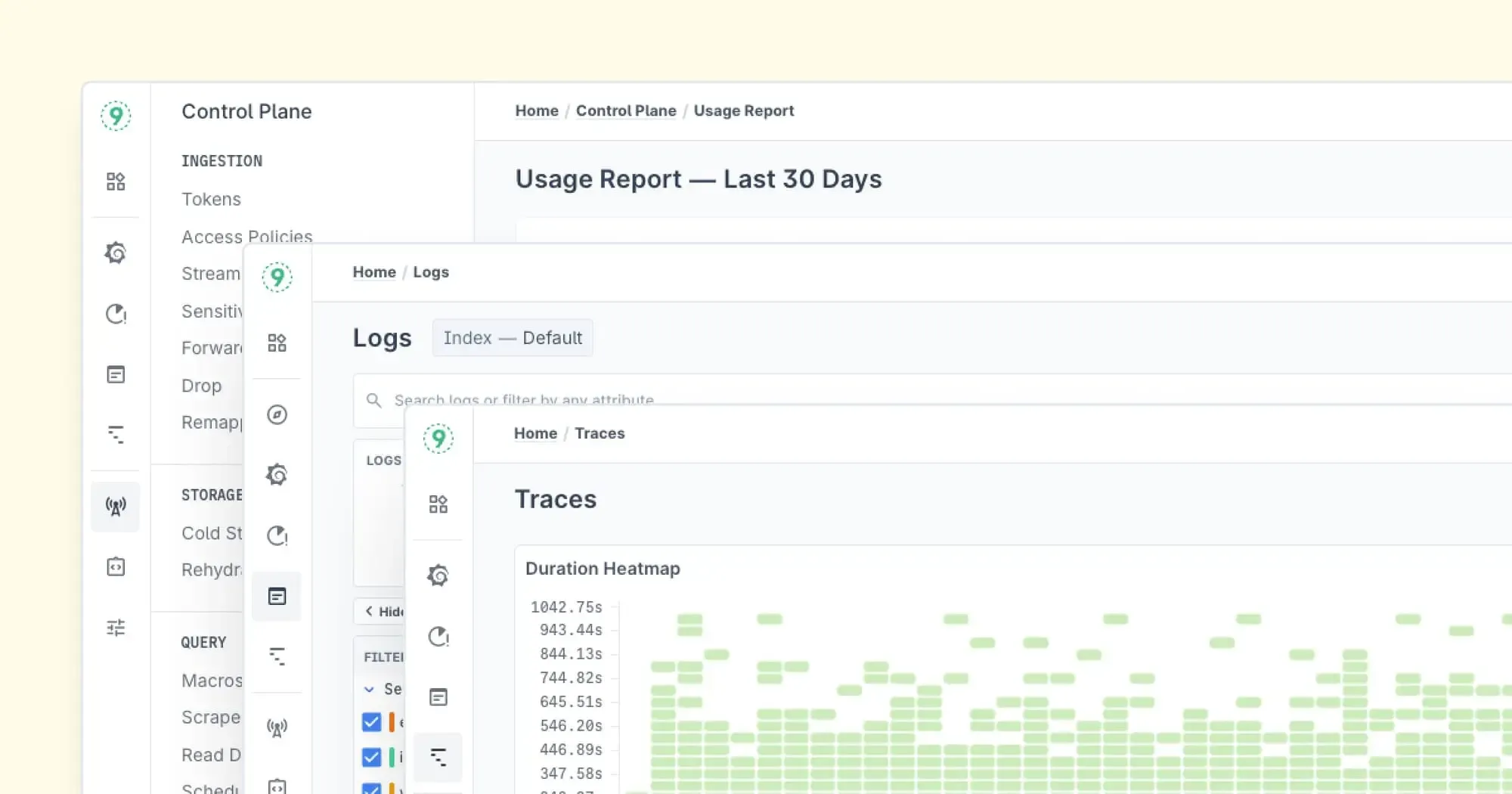
Last9 is one licence, with the infrastructure on your own cloud bill, and it runs in your own cloud account, on AWS or GCP in any region, managed by Last9. The Control Plane lets you drop, remap, redact, forward, and aggregate metrics, logs, and traces at ingest. With deep integrations into OpenTelemetry and Prometheus, Last9 brings metrics, logs, and traces together, and you query them with PromQL and LogQL natively, with a builder and plain-English Ask Mode for anyone who does not write queries.
If observability costs and performance are keeping you up at night, let’s talk.


