
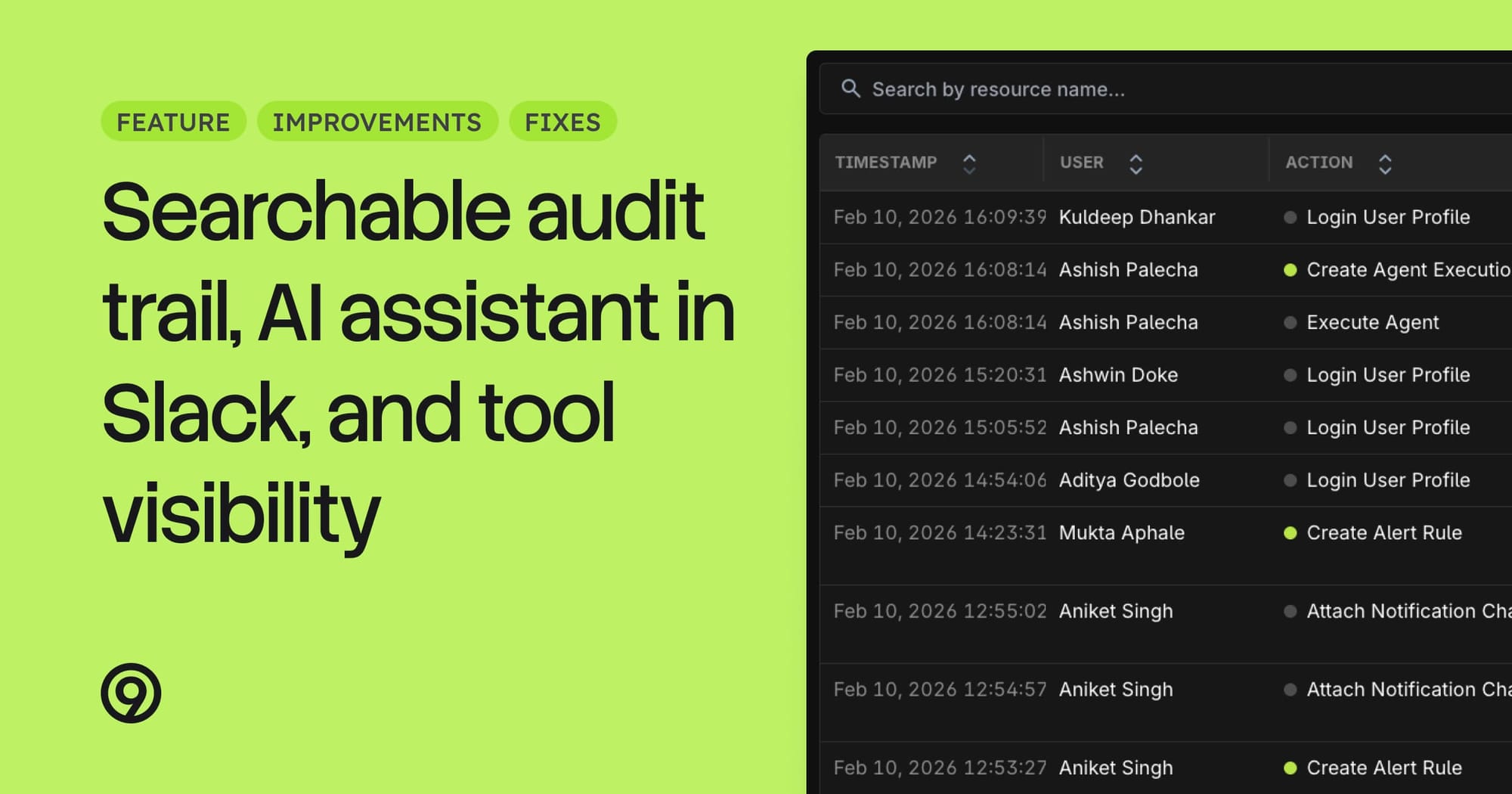
Searchable Audit Trail
The audit trail is no longer limited to CSV downloads from Settings. A new searchable UI lets you look up who changed what, when, directly from the Audit Trail page. Filter by user, action type, and time range to quickly investigate configuration changes.
- Searchable, filterable audit trail accessible from Settings
- Role changes are now logged as auditable events
- CSV download still available alongside the new UI
Last9 Slack App
The Last9 AI assistant is now available directly in Slack. Ask questions about your services, logs, traces, and metrics without leaving your workspace — the same conversational experience you get in the Last9 app, right where your team already works.
- Chat with your telemetry data from any Slack channel or DM
- No need to open the Last9 app to investigate issues or query your data
- Install the Slack app to connect your workspace
To start using it, do check if your organization already has access to the AI Assistant.
AI Assistant Tool Visibility
The AI assistant now shows you exactly what tools and queries it runs during a conversation. You can inspect payloads and responses for full transparency into how the assistant arrives at its answers. References in chat responses now link directly to Discover, Logs, Traces, and Metrics views.
- Expandable tool call cards showing payloads and responses
- Data references in chat responses link directly to relevant product pages
- Knowledge graph pipeline powers more accurate service topology understanding
Improvements
- Discover: Max latency metric added to Services panels alongside p99, p95, p50, and average
- Logs: Contains-words search now uses smarter query chunking to avoid unnecessary performance overhead
- Traces: Keyboard shortcuts now available for navigating traces (arrow keys, Enter to open details)
- Alerting: Flock now available as an alert notification destination
- Settings: Org admins can now reactivate deactivated user accounts without contacting support
Fixes
- Discover
- RUM Applications view was showing empty results due to a values API parsing error
- RUM views were not being recorded in sessions, causing missing session data
- Exception traces were not shown in Services detail view
- Dashboards: Dashboard was crashing when clicking on stat panels
- Logs: Page was becoming unresponsive when expanding log entries with large payloads